

MyDisguise Video Tutorials
Our video tutorials cover MyDisguise in six parts. Each one pairs with a page in this section, so you can read the same steps if you would rather not watch.
Introducing MyDisguise
Section titled “Introducing MyDisguise”
Watch online: https://www.youtube.com/watch?v=IznOa86BaiQ
A tour of what MyDisguise is and what it replaces. Your Disguise Cloud credentials are your MyDisguise credentials, so there is no new account to create and no manual data work to do. What happens to the rest of your account is covered in MyDisguise Overview.
Onboarding and Team Management
Section titled “Onboarding and Team Management”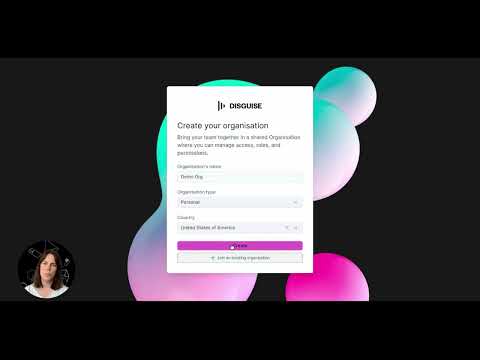
Watch online: https://www.youtube.com/watch?v=KfVtLNcrRog
Sign in with your existing Disguise Cloud credentials, or create a new account and set up your Disguise ID. Then invite people, assign roles, and manage who has access to what.
The written steps are in Getting Started with MyDisguise, Managing Organisations and Managing Your Team.
Purchasing and Subscription Management
Section titled “Purchasing and Subscription Management”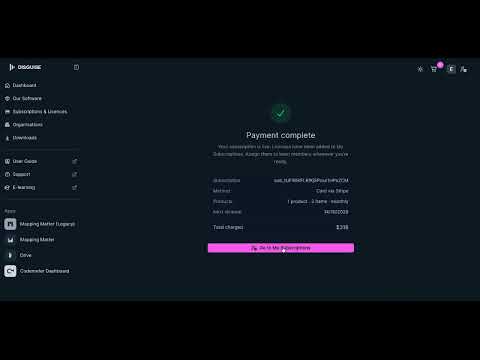
Watch online: https://www.youtube.com/watch?v=ndNvL4kyDV4
Compare the available products, choose a monthly or yearly billing cycle, and check out. Afterwards, assign licenses and seats to the people in your Organisation, and control renewals and auto-renew.
The written steps are in Purchasing Products, Managing Licenses and Managing Subscriptions.
Software and Portal Resources
Section titled “Software and Portal Resources”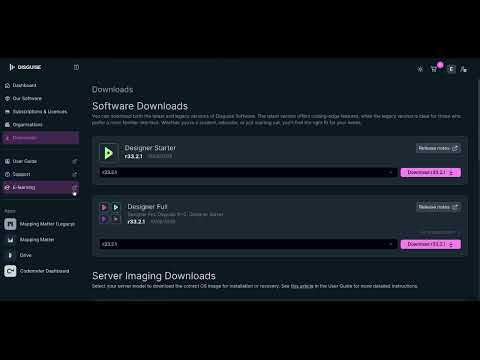
Watch online: https://www.youtube.com/watch?v=u4r-VubLouM
Find and download the software your licenses give you access to, and reach the rest of the Disguise platform from the same place, including the User Guide, Support and E-learning.
Personal settings
Section titled “Personal settings”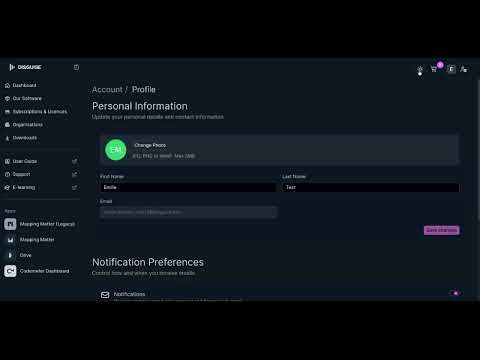
Watch online: https://www.youtube.com/watch?v=dcvuOnjC8_o
Manage your own account details and preferences, separately from the Organisation settings that an Owner or Admin controls.
More support
Section titled “More support”
Watch online: https://www.youtube.com/watch?v=GBDNj6rpNNc
Where to go when you need help beyond the documentation.
- MyDisguise FAQs: Common questions about accounts, Organisations, roles, buying and licensing.
- Disguise License Depot: Activate, transfer and update a license on a machine or dongle.
Related links
Section titled “Related links”- MyDisguise Overview: What MyDisguise is, and what happens to your Disguise Cloud account.
- Managing Organisations: Create or join an Organisation, and change its settings.
- Managing Subscriptions: Renew, change or cancel a subscription, and control auto-renew.
- MyDisguise FAQs: Common questions about accounts, Organisations, roles, buying and licensing.