


by Edmond Zhang
Create pixel-accurate test patterns for LED screens and projection surfaces in Designer, then export a PNG or import it straight into your project.
Test Pattern Generator
by Edmond ZhangCreate pixel-accurate test patterns for LED screens and projection surfaces in Designer, then export a PNG or import it straight into your project.
Key features
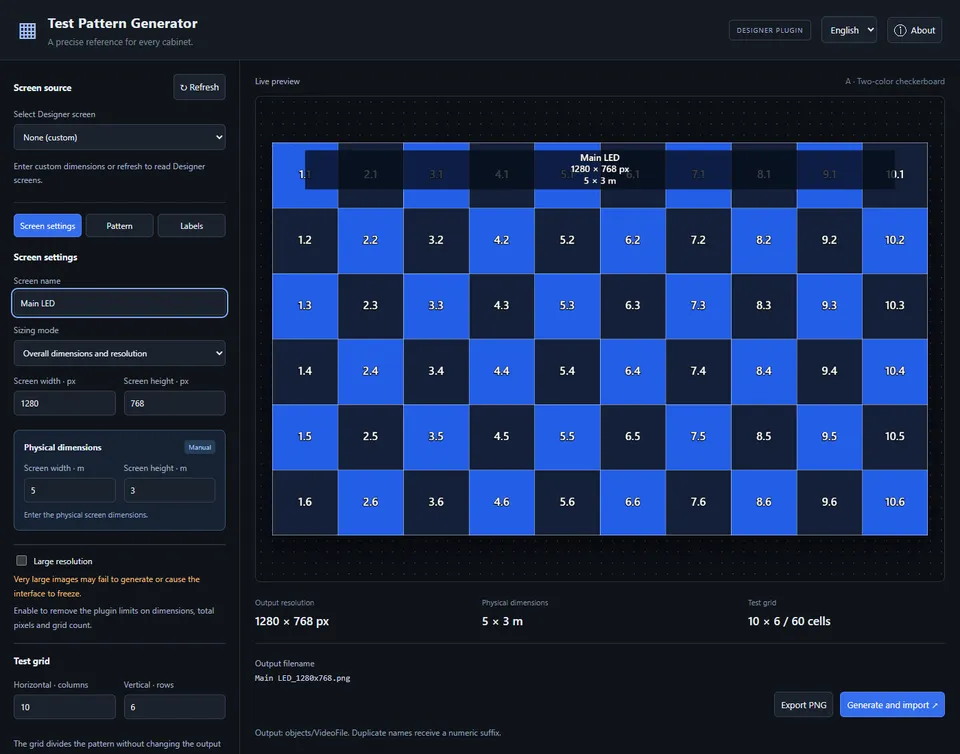
- Screen settings read from Designer, or entered by hand
- Five pattern modes, with labels and PNG logos
- PNG export, or direct import into the current project
- English and Chinese interface
Requirements
- Designer r32 or later
Install
Unzip it and copy the Test_Pattern_Generator folder into the project's plugins folder, then open Test Pattern Generator from Designer's Plugins panel. It needs no separate Python or Node.js installation.
Keywords
test patternLEDprojectioncheckerboardPNGChinese